Is FixCore safe to use?
Yes. Scans and fixes run locally on your PC, nothing changes unless you choose it, and every change can be undone, including a full System Restore. The installer contains no bundled software, and payments go through Stripe. Read how FixCore keeps your PC safe.
Is my data safe? Does anything leave my PC?
No. Every scan and fix runs locally on your machine. FixCore never uploads your files, settings, or personal data anywhere — the only things that leave your PC are your account email and your Discord username, used to sign you in.
What are the system requirements?
Windows 10 or 11, 64-bit. 4 GB RAM minimum (8 GB recommended), and about 200 MB of free disk space. No separate .NET or runtime installs needed — everything is bundled in the .exe.
Can a tweak break my PC?
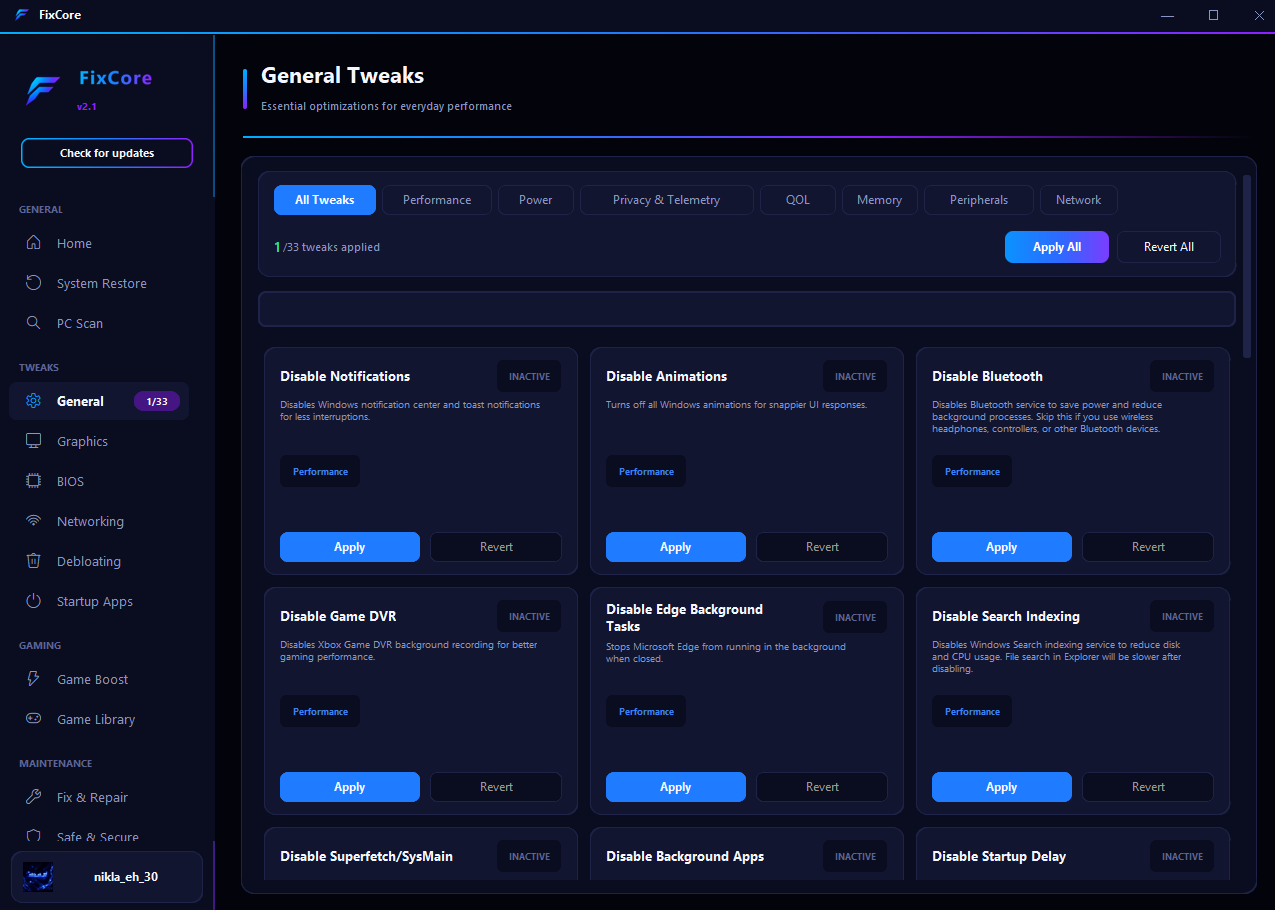
Every change FixCore makes is reversible. BIOS, Graphics, and General Tweaks can be turned off the same way they were turned on, and System Restore lets you roll your whole system back to before you ran anything.
Why do I need to link my Discord account?
Your FixCore account is created with your email and password. Linking Discord right after is what ties your license and scan history to that account — it's a one-time step. FixCore only reads your username and avatar; it can't see your messages, servers, or friends list.
Can I use FixCore 2.1 on more than one PC?
FixCore 2.1 activates on a single PC per license. If you upgrade or replace your hardware, the license transfers — just sign in with the same Discord account on the new machine.
What if I need help or want a refund?
Reach out any time through Support in the footer below. If something isn't working as expected, we'll help you fix it — and if you're not satisfied within 14 days of purchase, we'll refund it, no questions asked.
Will FixCore conflict with my antivirus?
No. FixCore is a standard signed application and doesn't touch anything your antivirus should be worried about. Some antivirus tools flag new or unsigned tools by default — if that happens, just allow FixCore and it'll run normally.
Does FixCore work on laptops?
Yes. All the software-level tweaks work the same on laptops as desktops. BIOS Optimization depends on your laptop manufacturer exposing those settings — FixCore checks automatically and skips anything your hardware doesn't support.
How often does FixCore get updated?
We ship updates regularly as new Windows versions, GPU drivers, and games come out. Every FixCore 2.1 license includes free updates for as long as that version is supported — no extra cost, no separate purchase.
Is FixCore Ultimate available?
Yes, FixCore Ultimate is out now as a beta for a one-time $25 on the FixCore Ultimate page. It's the next FixCore, rebuilt from the ground up, with a BIOS & Firmware page, a shareable benchmark, one-click Undo everything and automatic updates. As a beta it gets frequent updates, which install themselves. Beta news is posted first in our Discord.
What happens if I lose access to my Discord account?
Reach out through Support with your purchase details and we'll help move your license to a new Discord account. Keeping recovery options enabled on your Discord account is the best way to avoid this in the first place.